Customers use the app with account security, passcode, and biometric unlock where available.
How it works
From listing to receipt, View2Connect keeps the flow clear.
Customers shop in the app, businesses apply through the website, customer care supports, and admin keeps the marketplace controlled.
Store owners, food vendors, and service providers use the website business registration form before admin review.
Payments are confirmed by the provider before receipts, wallet updates, and order progress are shown.
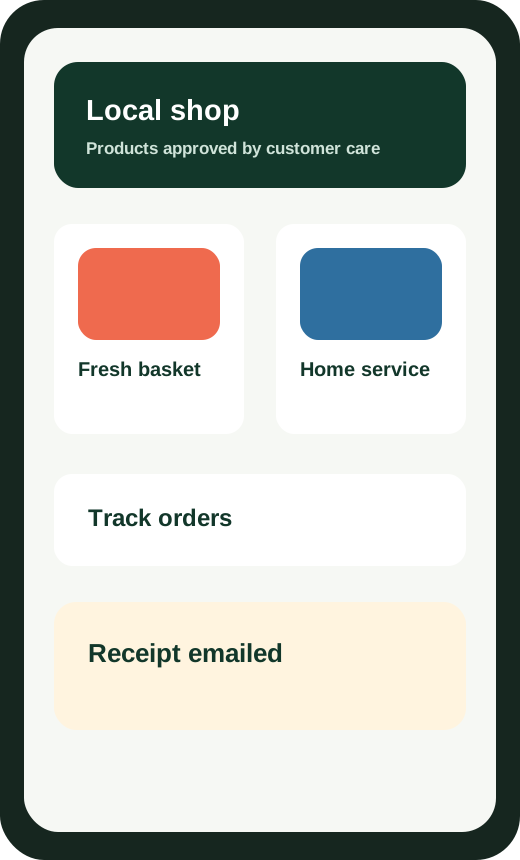
Shop
Find approved listings and view details.
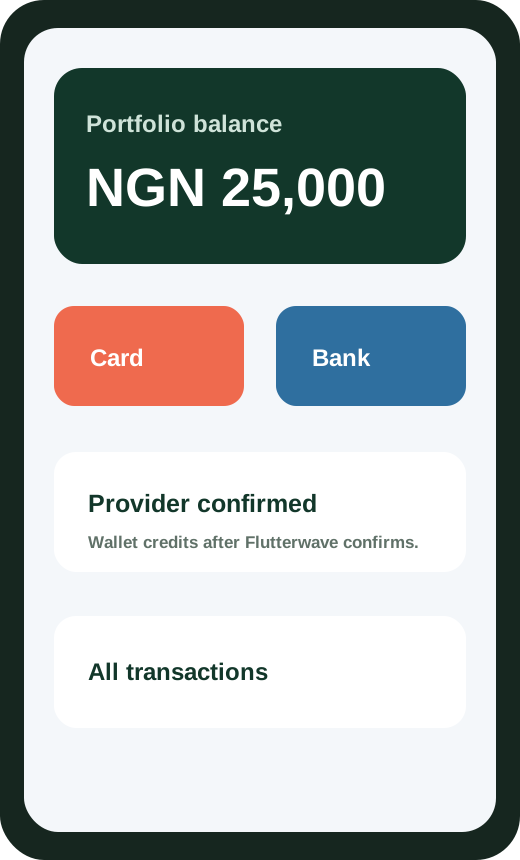
Pay
Use wallet, card, or bank payment.
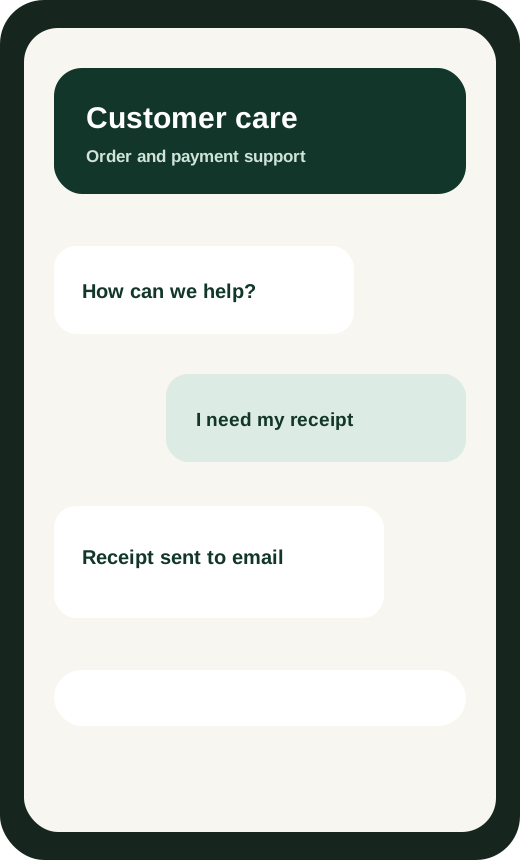
Support
Message customer care when help is needed.